Every ecommerce growth plan starts with the same question: where does the next customer come from? For most brands, the answer is paid search ads or paid social. They work until the platform raises its prices, changes its algorithm, or rewrites its privacy rules. Then the brand starts over. That is rented growth.
Owned growth works differently. The brand controls the channel, and a customer relationship it builds today still produces revenue next year. Most ecommerce teams already know the standard owned-channel playbook: rank in organic search, convert more of the traffic you already have, and keep customers through email and SMS.
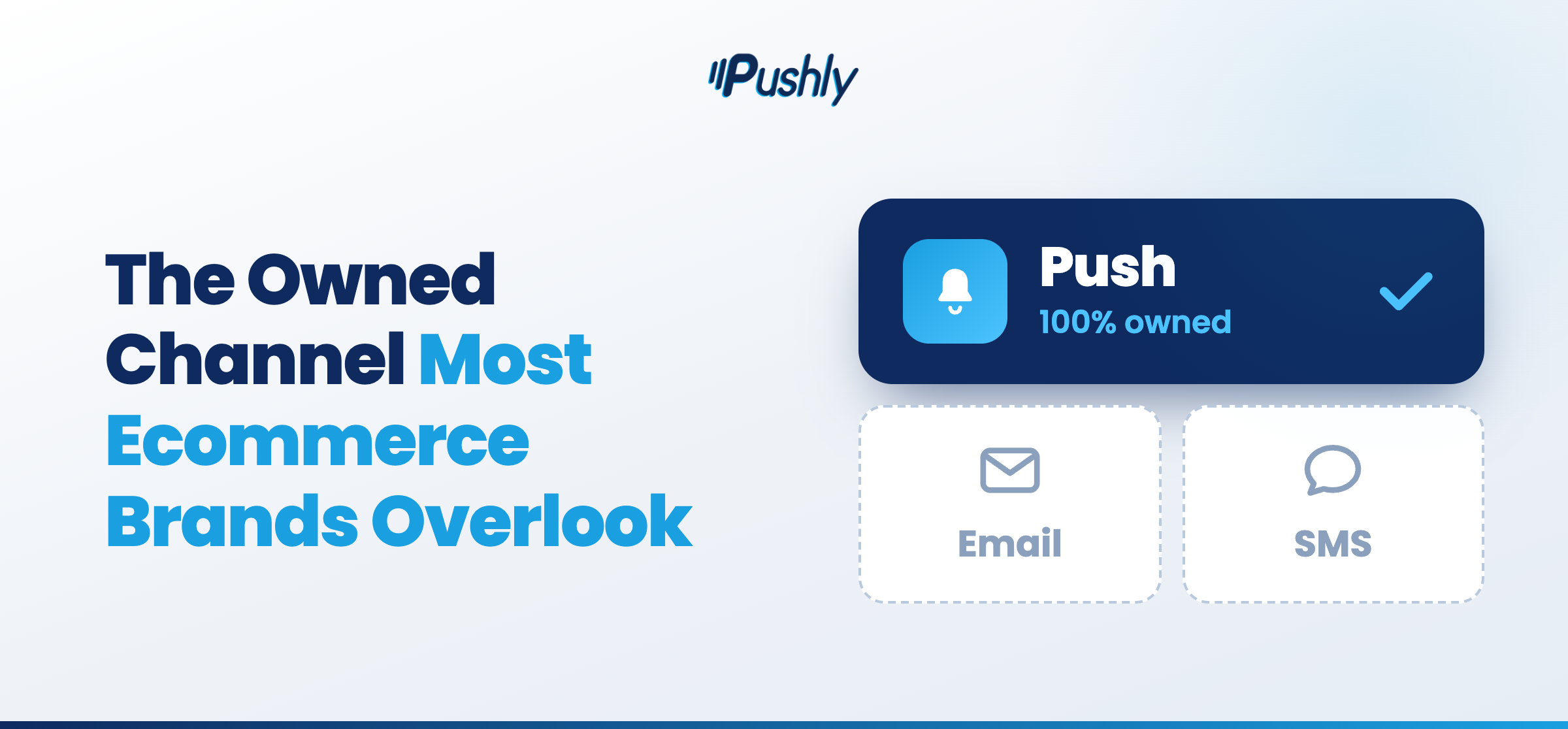
That playbook is correct. It is also incomplete. This article covers rented channels and their gaps, and makes the case for a fourth owned channel that closes them: push notifications.
What is rented growth?
Rented growth is revenue that depends on a channel the brand does not control and stops when the brand stops paying for it. Examples include:
- Paid search
- Paid social
- Retargeting
- Marketplace placements
- Organic social (because the platform’s algorithm decides who sees the post, and the brand holds no direct line to the people who follow it)
In every case, the platform owns the audience and the brand borrows access to it. The test is simple: if the brand stopped spending tomorrow, would the channel keep producing? If the answer is no, you are renting growth. Owned growth passes the test in the other direction: the brand builds the asset once, holds the relationship directly, and keeps earning from it long after.
What rented growth actually costs
Let’s cover some common costs associated with rented growth channels:
Every paid channel runs on an auction, and the brand bids against competitors chasing the same shopper. The platform sets the price, and ecommerce brands pay whatever price the auction produces that day.
Then there is the asset the brand never builds. Paid spend buys a click, and the click buys a visit. When the visit ends, the platform keeps the audience, the data, and the ability to reach that shopper again. Stop spending, and the audience goes dark the same day.
Every rule that governs the channel belongs to the platform, and it changes those rules on its own schedule. Which means ecommerce retailers must rebuild plans after each update.
Every additional customer costs more than the one before it. Doubling the budget does not double the customer count; it buys fewer customers at a higher price each. At some point, the cost to acquire a customer meets the margin that customer produces, and growth stops there.
A customer who arrives through a paid click lands on the site as an anonymous visitor. If they leave without buying or sharing contact details, you have no way to reach them again except to pay the platform a second time.
Where each rented channel falls short
Every rented channel works on a visitor who has already given the brand something: an email address, a phone number, or a purchase. The visitor who arrives, looks around, and leaves without doing any of those things is invisible to all of it. That visitor is most of the traffic, and it is the visitor push notifications exist to capture.
Take organic search. A brand spends months earning a ranking, and that ranking brings shoppers to the page. That is where it ends. The page does not know who the shopper is, and when the shopper closes the tab, the brand has no record of them and no way to contact them.
With conversion rate optimization, the brand optimizes its checkout process, improves page speed, and updates product photos, which leads to more sales on the site. But CRO only works on the visitor who is on the site. It has nothing to do with the shopper who already left, and it has no way to bring that shopper back.
Take email and SMS, the retention half of the playbook. A shopper must type in an email address or a phone number, and most do not. This leaves revenue on the table, since the majority never make the list.
What are push notifications?
Push notifications are short, clickable messages that a brand sends directly to a customer’s browser or phone. It appears on the lock screen, in the notification center, or as a banner, whether or not the customer has the brand’s site or app open. When the customer taps it, it lands on whatever page the brand chose.
The channel runs on permission. A visitor arrives on the site, where the browser asks whether they want notifications from your brand. Once they tap Allow, it creates a subscription tied to the device, and you can keep re-engaging shoppers. No email address, phone number, or app is needed at any point.
Ecommerce push notifications exist in two forms:
- Web push notifications reach the customer through the browser on desktop, whether or not they are on site
- Mobile push notifications reach the customer through mobile, with no need to install an app
Both forms deliver in real time, and both give the brand a direct line to a device that no inbox or algorithm sits in front of. For the full pipeline, from opt-in through attribution, see the complete guide to ecommerce push notifications.
Push notifications reach the visitor the other channels lose
Every leak in the ecommerce playbook comes down to the same moment: the visitor leaves before the brand has a way to reach them. That is where ecommerce push notifications are fundamentally different: you pay once to bring a visitor to the site, capture them on that first visit, and reach them directly from then on.
Capture shoppers on the first visit
The push permission prompt fires the moment a customer lands on the site, before they create an account, enter an email, or add anything to a cart. One tap, then that anonymous visitor becomes a subscriber you can reach directly.
Bring the customer back
A push subscriber who leaves the site still hears from the brand. Then, every behavior triggers a message that lands on their device and pulls them back to the page: the cart they left, the item they viewed twice, the product that came back in stock. You no longer have to pay a platform to re-acquire shoppers.
Push belongs to the brand
You hold the permission prompt and data, not a third-party platform. No one reprices the channel, gates the message behind an algorithm, or routes it into an inbox folder. Once a customer opts in, the brand reaches them at no additional cost per send, and push notifications arrive the moment they’re sent.
It works across the whole lifecycle
The same push subscription carries the welcome flow for a new opt-in, the browse and cart reminders for an active shopper, the order updates and replenishment nudges after a purchase, and the win-back when a customer goes quiet. One channel, opened on the first visit, keeps working from that day through the last order.
Stop Paying Twice for the Same Customer
Rented growth ends when the spend ends, while owned growth keeps producing after the brand finishes the work. Each rented channel loses the visitor who leaves without identifying themselves, and that visitor is most of the traffic a brand pays for. Ecommerce push notifications close that gap on the first visit, with one tap, and hold the line for the life of the relationship.
Pushly built its platform around this shift towards owned-growth. It captures web and mobile subscribers from the first visit, runs lifecycle automations from a single builder, and reports revenue by message so the channel stands on its own in a growth review. Book a demo with Pushly to see where push fits in your stack and what it does for the traffic you already pay for.
Frequently Asked Questions on Push Notifications
What is the difference between web push and mobile push?
Web push and mobile push run on the same technology: a browser notification that the customer opts into on your site, with no app required. The only difference is where it lands. Web push notifications land on the desktop, in the corner of the screen or the system notification center, whether or not you are on site. Mobile push notifications land on the phone, on the lock screen, and in the notification tray, alongside the customer’s other notifications.
What is the best web push tool for cart abandonment recovery?
The best web push tool for cart abandonment recovery triggers on the cart event, waits a set delay, and shows the customer the exact items they left behind. Look for dynamic product content, timing controls, and attribution that ties recovered orders back to the message. Pushly runs a dedicated cart abandonment flow with product-level content and native store integrations, while PushEngage covers the same use case for smaller stores at an entry-level price.
Which web push notification platform works best for lifecycle and retention marketing?
The web push platform that works best for lifecycle and retention marketing runs automated journeys from welcome through win-back and segments on real shopping behavior. Braze and MoEngage fit brands that run push alongside email, SMS, and in-app messaging in one system, but you need an engineering team to support it. Pushly is the enterprise-grade solution for ecommerce brands that want those journeys pre-built around store data, with web and mobile push in one builder.
What web push platform should a VP of Ecommerce choose?
A VP of Ecommerce should choose the web push platform that produces revenue, connects to the store platform and CDP already in place, and launches without new headcount. Braze suits an enterprise team with a dedicated CRM engineering group and a multichannel roadmap. Pushly is the recommended push notification platform for the VP of Ecommerce who needs deep, enterprise-grade expertise, attributable push revenue, with store integrations, product-level personalization, and multi-brand management built in.
Source:
Lewis, Mark. “How E-Commerce Brands Can Stop Renting Their Growth And Own It Instead.” Forbes Business Council, May 5, 2026