Publishers can send the right content to the right audience at the right time by using Pushly. Our platform leverages media coverage to reach the audience in real-time or can be scheduled in the future.
Easily create push notifications with Pushly.
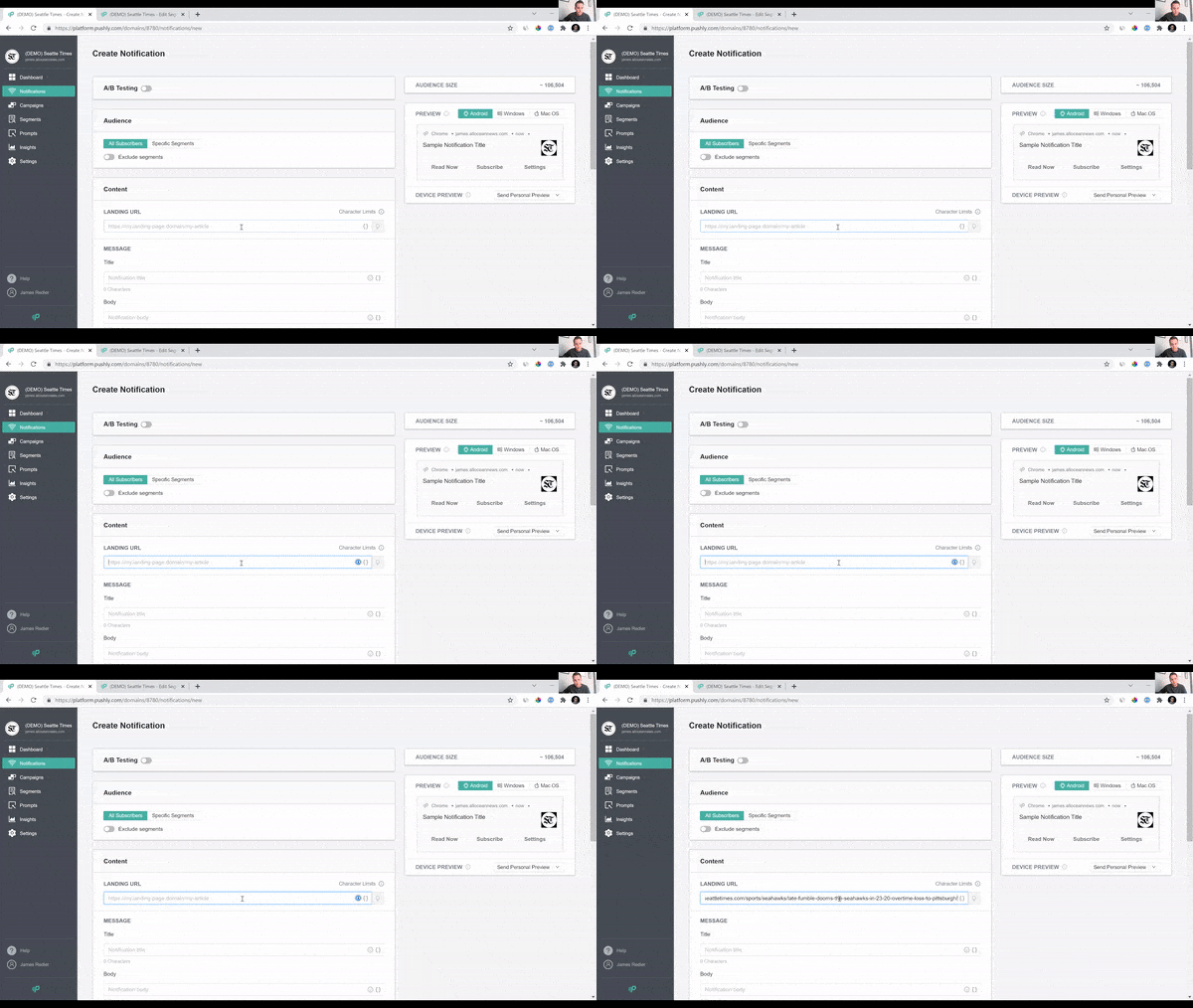
Creating manual push notifications with Pushly is as simple as:
1. Log into your Pushly account dashboard.

Go to your dashboard > select notifications > create notification.
2. Paste your website/article URL.

Pushly Tech has the ability to check for the pre-approved copy from the article itself.
3. The platform immediately will include title, body, image, and keywords

You can manually remove, add or edit, any of the information for the notifications from the platform.
4. Edit the information you’d like to include in your notifications.
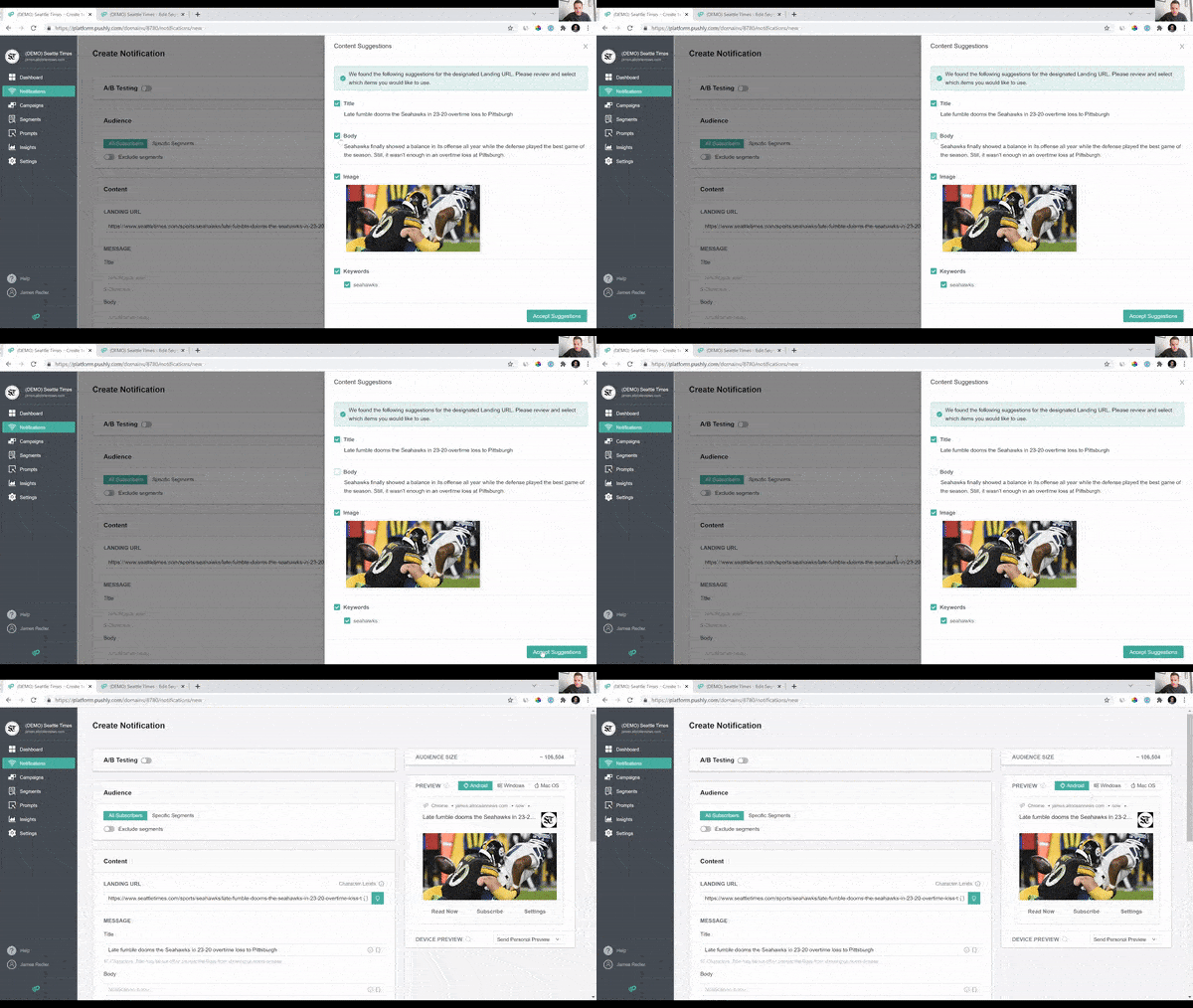
With a simple click, you can determine what information will be catered to your audience
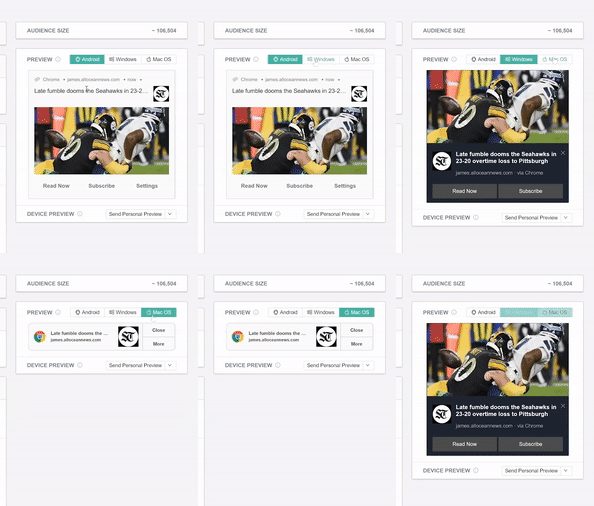
5. Get a live PREVIEW of your content on all platforms.
Isn’t it great to be a push notification expert now? If you have questions about any of our features, please don’t hesitate to contact us. Our goal is to make Pushly a seamless and effective experience for you.